Annual Report
Dense multi-page report with headings, tables, figures, and footnotes.
tablesfiguresmulti-column
DocLang preview
Loading structure sample...

Compare the same document and task across PDF and DocLang representations.*
Step 1
Select one benchmark document to compare across representations.
Dense multi-page report with headings, tables, figures, and footnotes.
Loading structure sample...
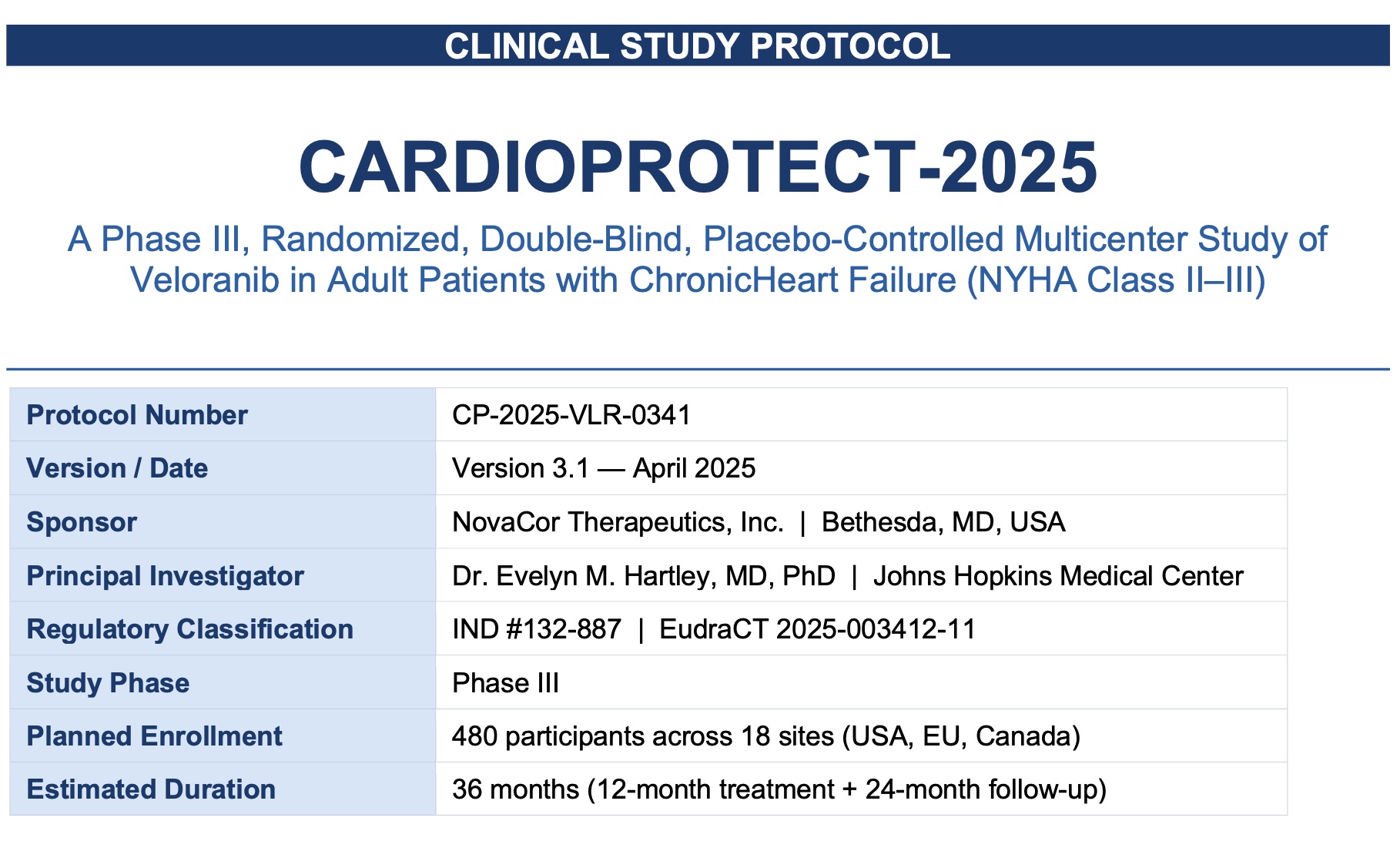
Structured study document with appendices, data tables, and protocol details.
Loading structure sample...
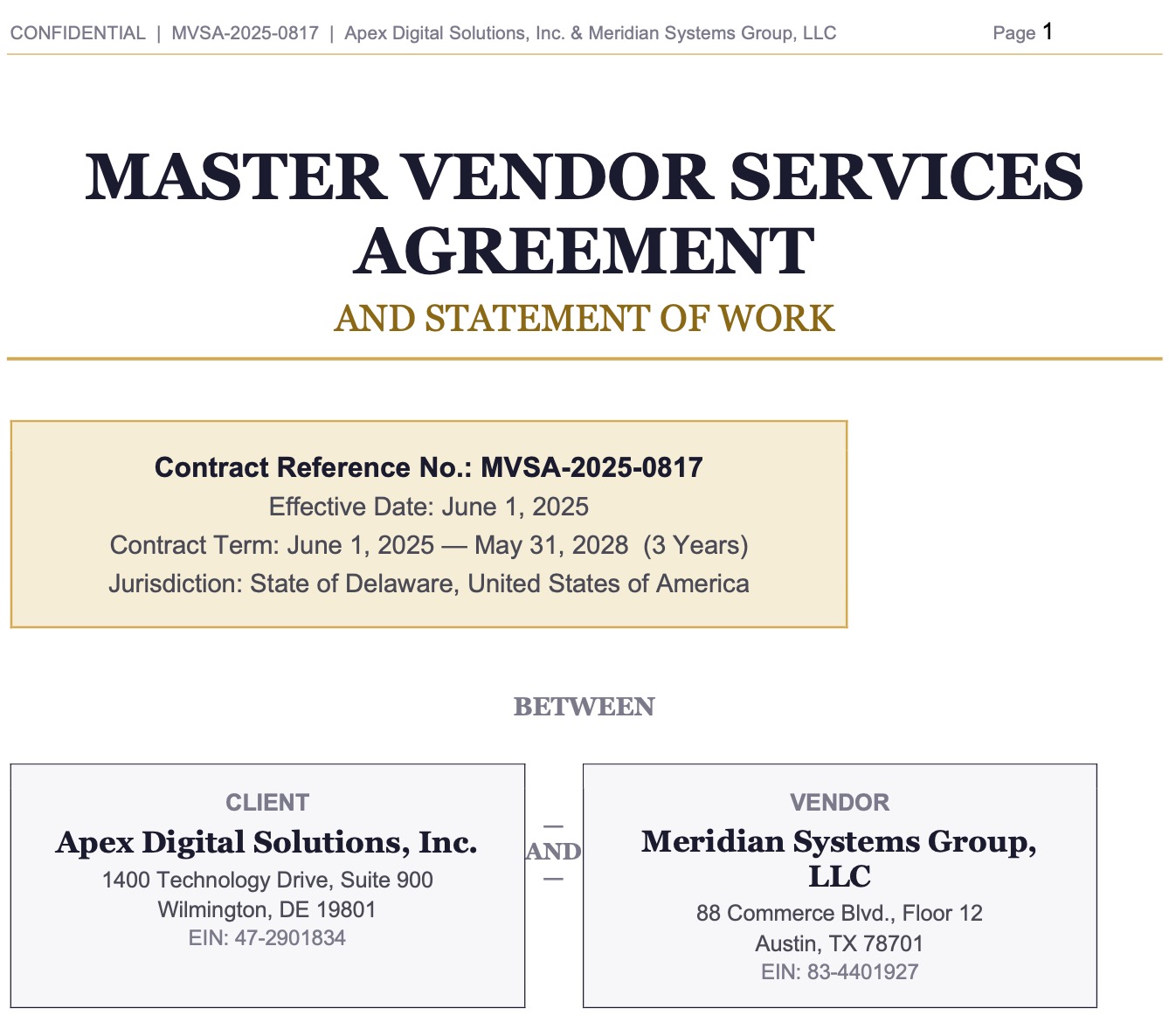
Clause-heavy agreement with nested sections, exhibits, and form-style fields.
Loading structure sample...
Step 2
Each task uses stored results so the comparison stays controlled.
Summarize the document for an executive audience.
Recover the document structure and any important tables.
Answer a short set of practical questions from the content.
Step 3
Trigger a short staged reveal, then inspect the stored side-by-side outputs and metrics.
Step 4
Compare the exact same document-task pair as PDF input versus DocLang input.
Select a document and task, then run the benchmark to reveal the results.
*
This is an interactive benchmark based on preprocessed results. The workshop flow simulates execution, but the outputs and precision breakdown shown in the app are precomputed for consistency, speed, and repeatability.